Capture
Pip guides front, left, back and right photos and checks that your full body is in frame.
Four photos. A personalised 3D body estimate you can compare over time.
A body-shape estimate from four protected photos. Clothing and pose can affect the result.
WHAT PIP HELPS YOU SEE
Pip gives you a repeatable record of body shape, skin and the context around them—so you can see more than a number on the scale.
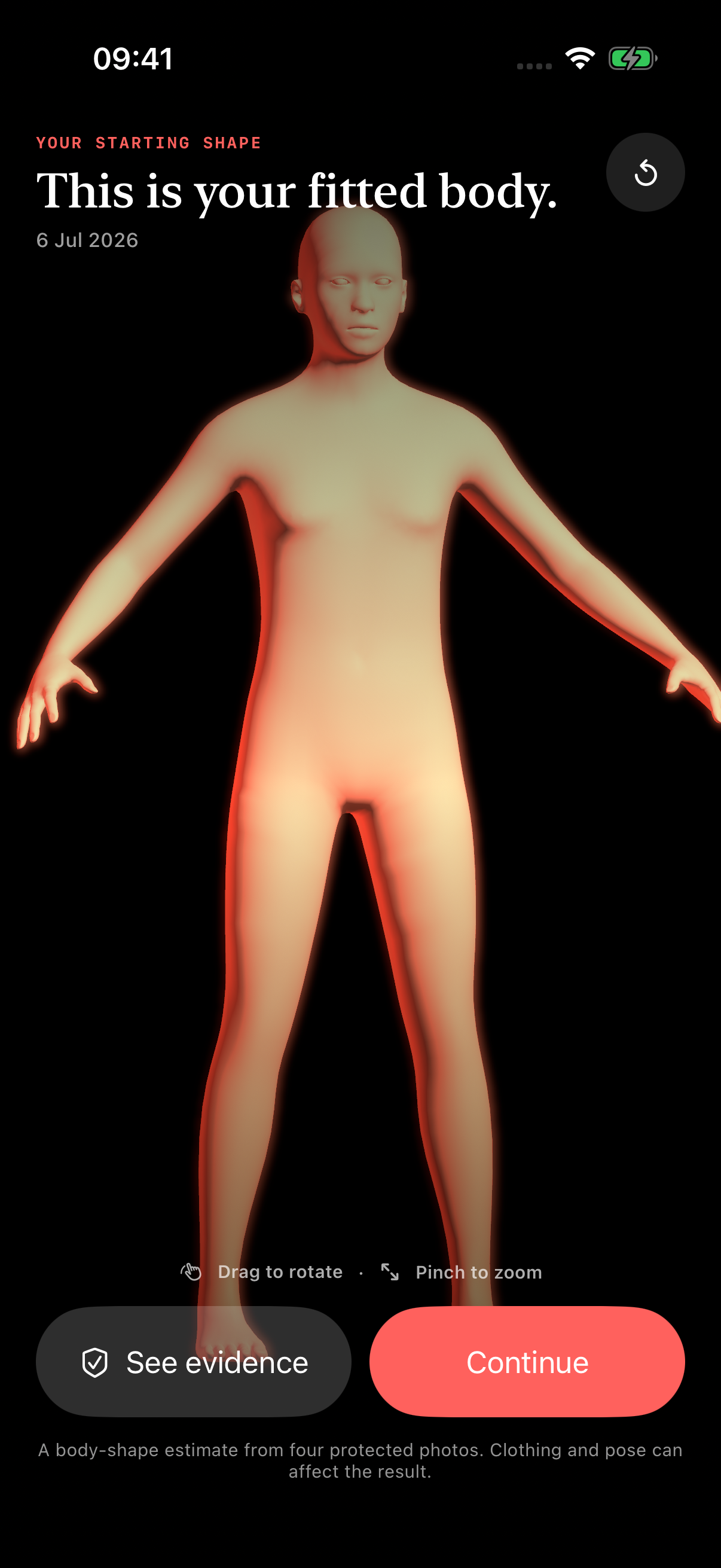
Explore a fitted body estimate built from four guided views.
Explore ↗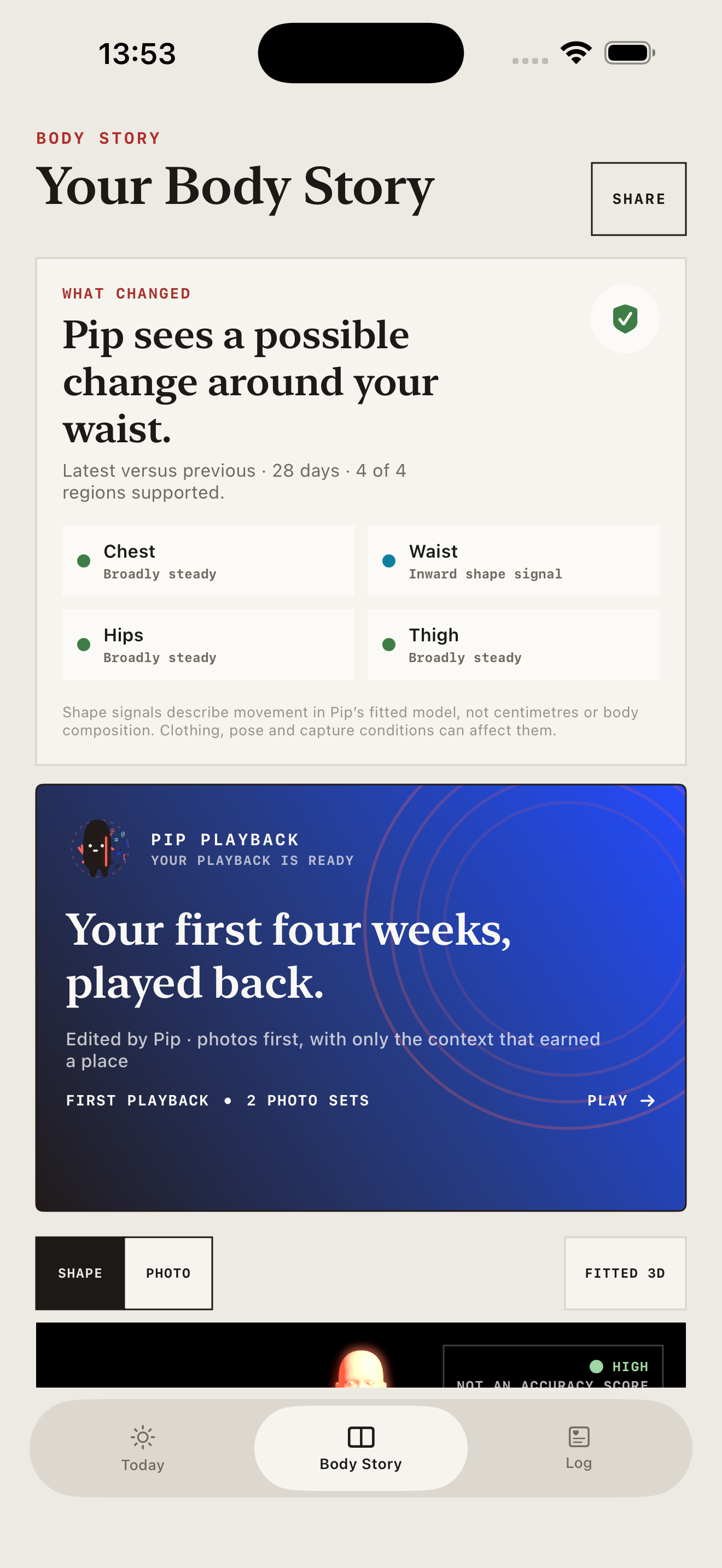
Bring baseline, latest and the evidence behind possible change together.
Explore ↗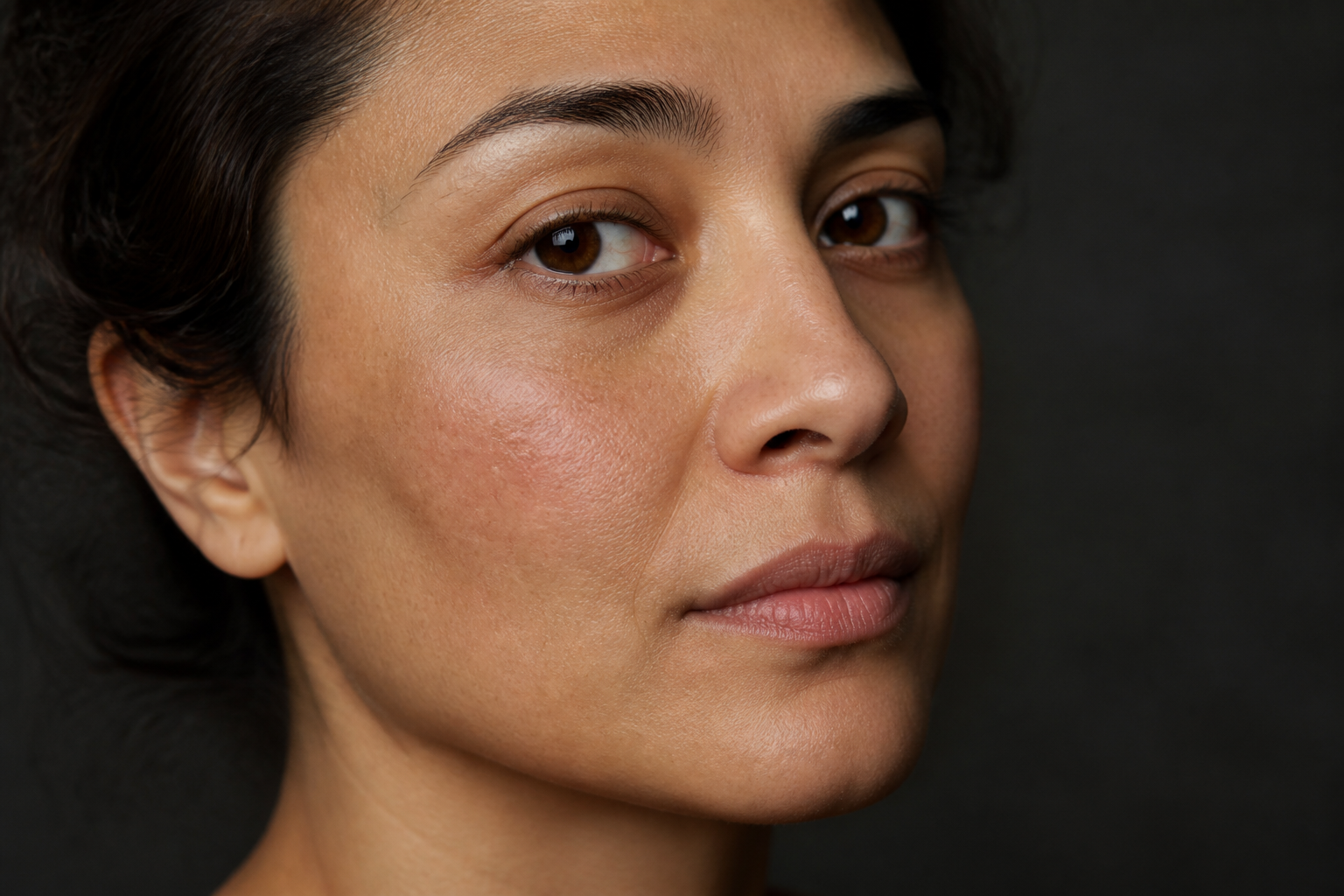
Track five clearly labelled signals from matched photos and your check-in.
Explore ↗THE PIP 3D BODY SCAN
Pip uses front, left, back and right photos together instead of guessing from a single selfie. It checks each angle, analyses visible exterior shape and fits a 3D body estimate you can explore.
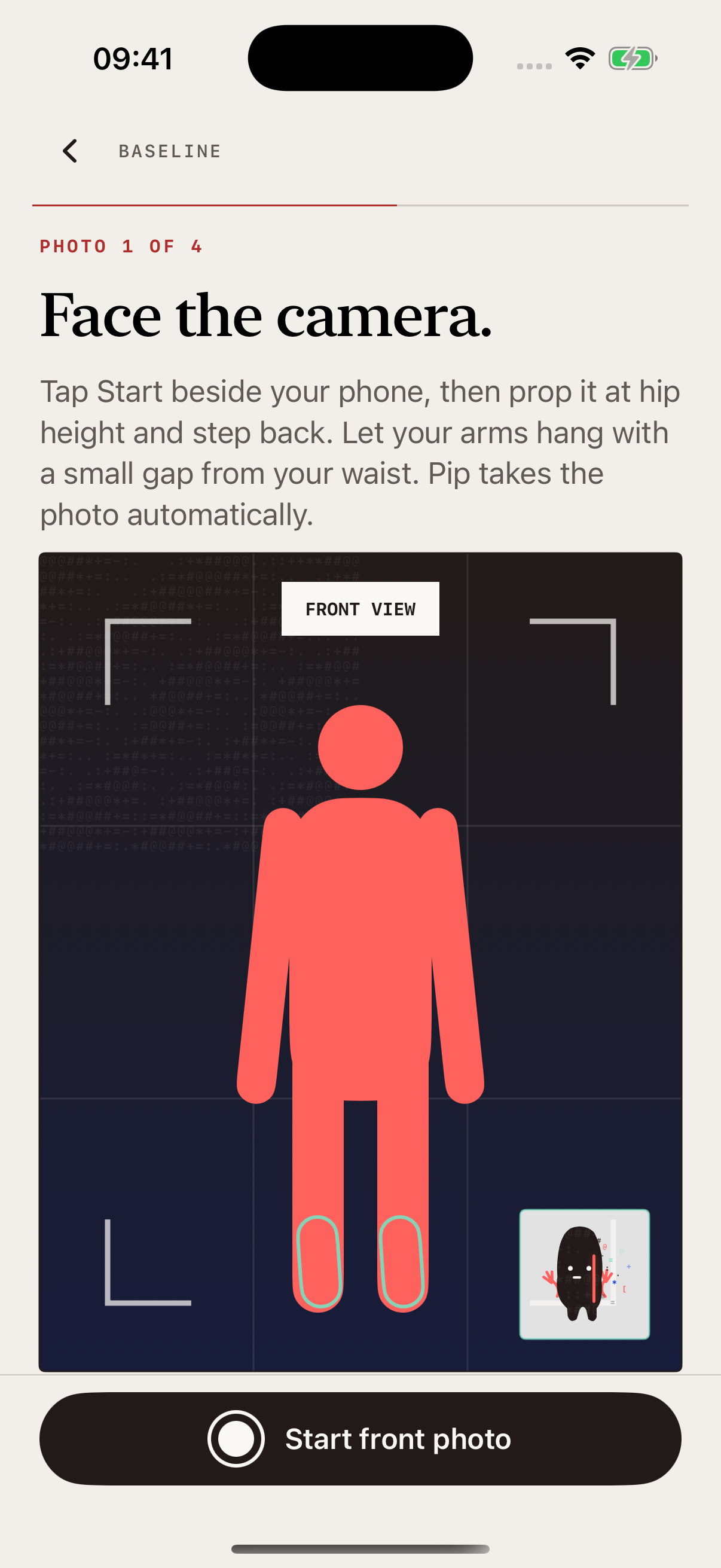
01 / 04
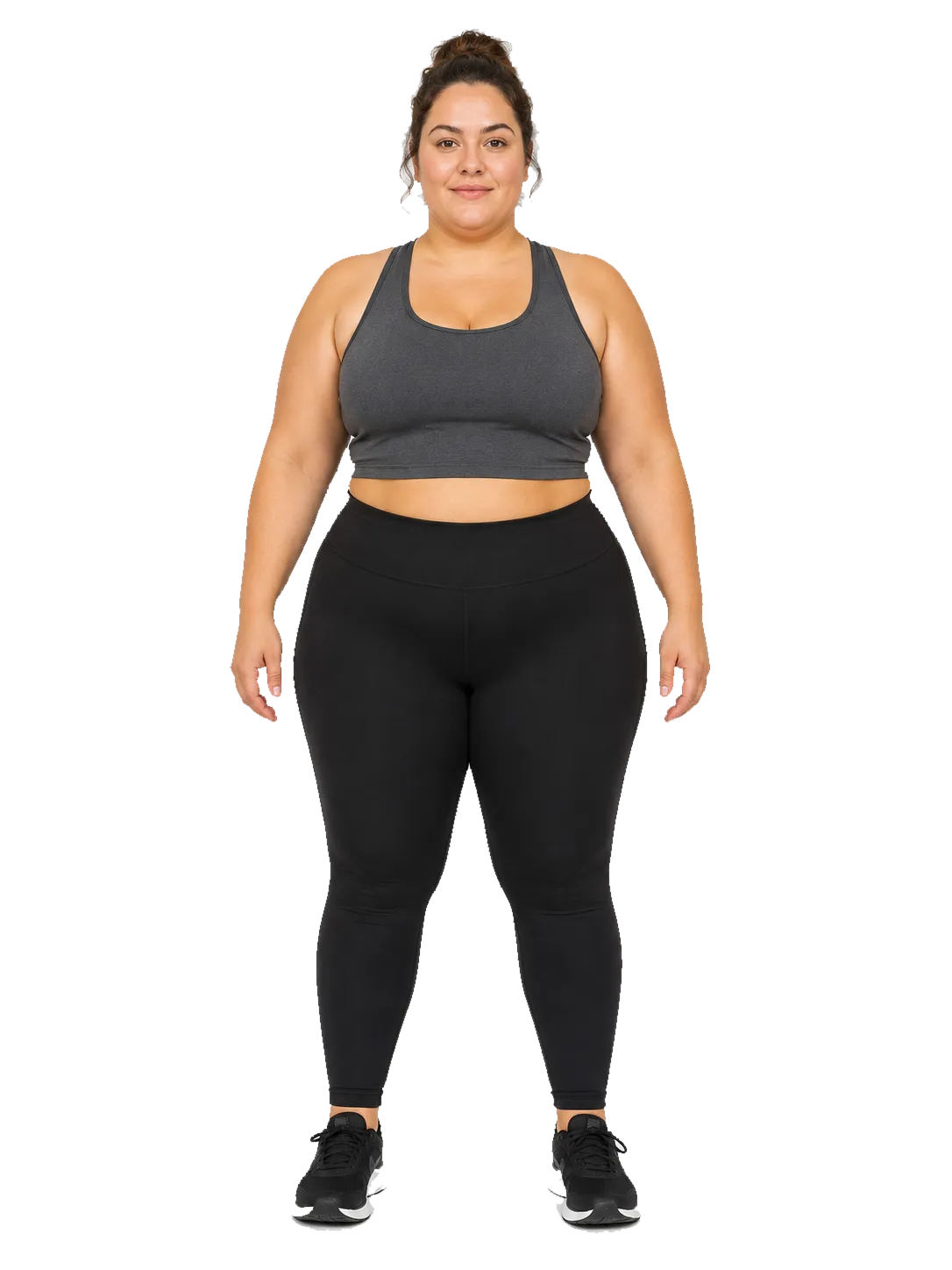
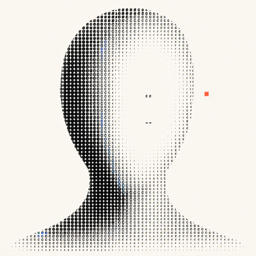
Full body in frame. Front angle ready.
Pip guides front, left, back and right photos and checks that your full body is in frame.
Multi-view AI analyses visible exterior shape across all four quality-checked angles.
Pip creates a personalised anatomical 3D body estimate that you can rotate and explore.
Repeat the same check-in to add a chapter and see possible changes against your baseline.
BODY STORY
Every repeat check-in becomes a chapter. Pip compares compatible chapters, surfaces possible regional shape changes and keeps the source photos, weight and treatment timing beside the result.
EXAMPLE JOURNEY / 2 OF 3
DAY 28Pip highlights possible shape changes in supported body regions.
A possible change appears around the waist in this example.
Move between your baseline and latest estimate to inspect shape from every angle.
When the evidence supports it, Pip shows a photo-based body-fat range and estimated waist.
After compatible repeat scans, see possible changes around the chest, waist, hips and thighs.
Review 3D bodies, source photos, weight and treatment timing together.
SKIN STORY + GLOW
Take three matched face photos and answer a quick skin check-in. Pip turns them into a Skin Story with five clear signals you can follow over time.
ILLUSTRATIVE SKIN CLOSE-UPPhoto signals and your own check-in, shown together in one repeatable score.
Visible spot candidates in your front photo.
Clarity, even tone and smoothness use matched photos. Hydration and comfort come from your check-in.
Explore Skin Story ↗EVERYTHING AROUND THE SCAN
Connect treatments, how you feel, appetite, symptoms, weight and body or skin check-ins in one chronological view.
TreatmentInjection · 2.5 mg · left abdomen
Daily pulseGood · lower appetite · no symptoms
Body StoryNew 3D check-in saved as a chapter
WeightLatest weight added to your timeline
Record injections, pills, creams or other treatments with amount, time, site and optional reaction.
Save how you feel, symptoms and appetite once a day. Edit it later or hide it from Today.
Add weight manually, from Apple Health or from a confirmed scale screenshot.
ASK PIPASK YOUR OWN RECORDS
Ask what changed, how you felt after a recorded treatment or what your latest Skin Story shows. Pip identifies the saved entries it used and shows checked sources for medicine questions.
PRIVATE BY DESIGN
Most records stay protected on your iPhone. Before an AI scan, Pip tells you which photos and details will be sent to its processing services and waits for your agreement.
Read exactly how Pip handles your data ↗Nothing is uploaded for an AI scan until you agree.
GUIDES + TOOLS
QUESTIONS, ANSWERED
Pip is a progress app for people using peptides and GLP-1s. It brings repeatable body and skin check-ins together with weight, treatment and wellbeing records.
You take front, left, back and right photos. Pip checks the views, analyses visible exterior shape across all four angles and fits a personalised 3D body estimate you can rotate and revisit.
Compatible check-ins become Body Story chapters. Pip can compare fitted bodies, surface possible regional shape changes and keep the source photos, weight and treatment timing beside the result.
Skin Story follows clarity, even tone and smoothness from matched photos, plus hydration and comfort from your own check-in.
Most records stay protected on your iPhone. Before a feature sends photos for AI processing, Pip explains what will be sent and waits for your agreement.
No. Pip is a personal progress-record tool. Its photo-based outputs are estimates, not clinical measurements, diagnoses or treatment recommendations.
PIP FOR IPHONE
Create your first 3D check-in with four guided photos.
Download on theApp StorePip does not provide medical advice.PipYour Peptide Progress