Take four guided photos
Pip guides front, left, back and right views and checks that your full body is in frame.
THE PIP 3D BODY SCAN
Create a personalised body-shape estimate you can rotate, revisit and compare across your peptide or GLP-1 journey.
HOW IT WORKS
Pip uses four matched views to build a result that can become more useful when the check-in is repeated consistently.
Pip guides front, left, back and right views and checks that your full body is in frame.
The four views are analysed together, giving Pip more exterior-shape evidence than a single image.
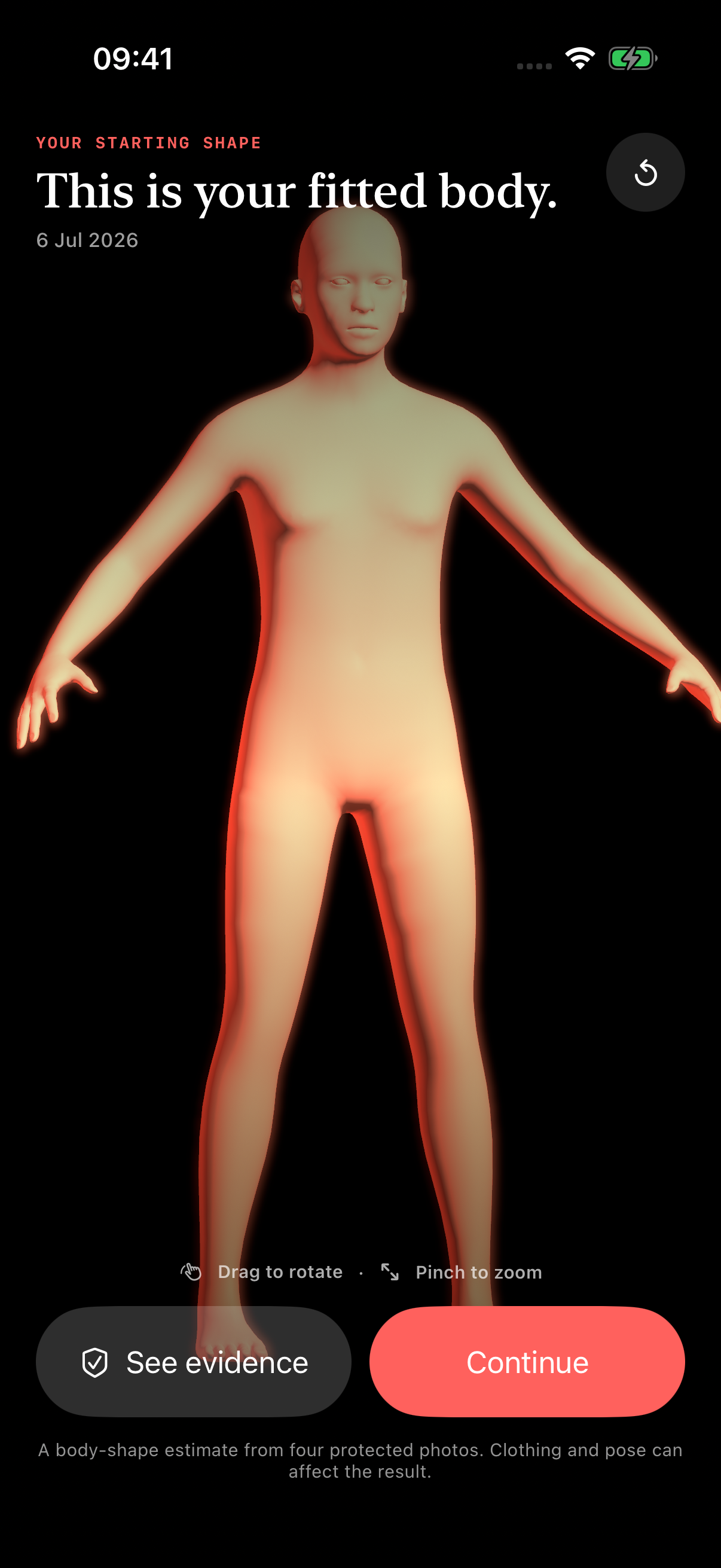
Pip applies personalised anatomical fitting to create a body-shape estimate you can rotate and zoom.
Repeat the same check-in to add another chapter and compare it with your starting point.
THE FOUR VIEWS
See the same capture sequence members use in the app.
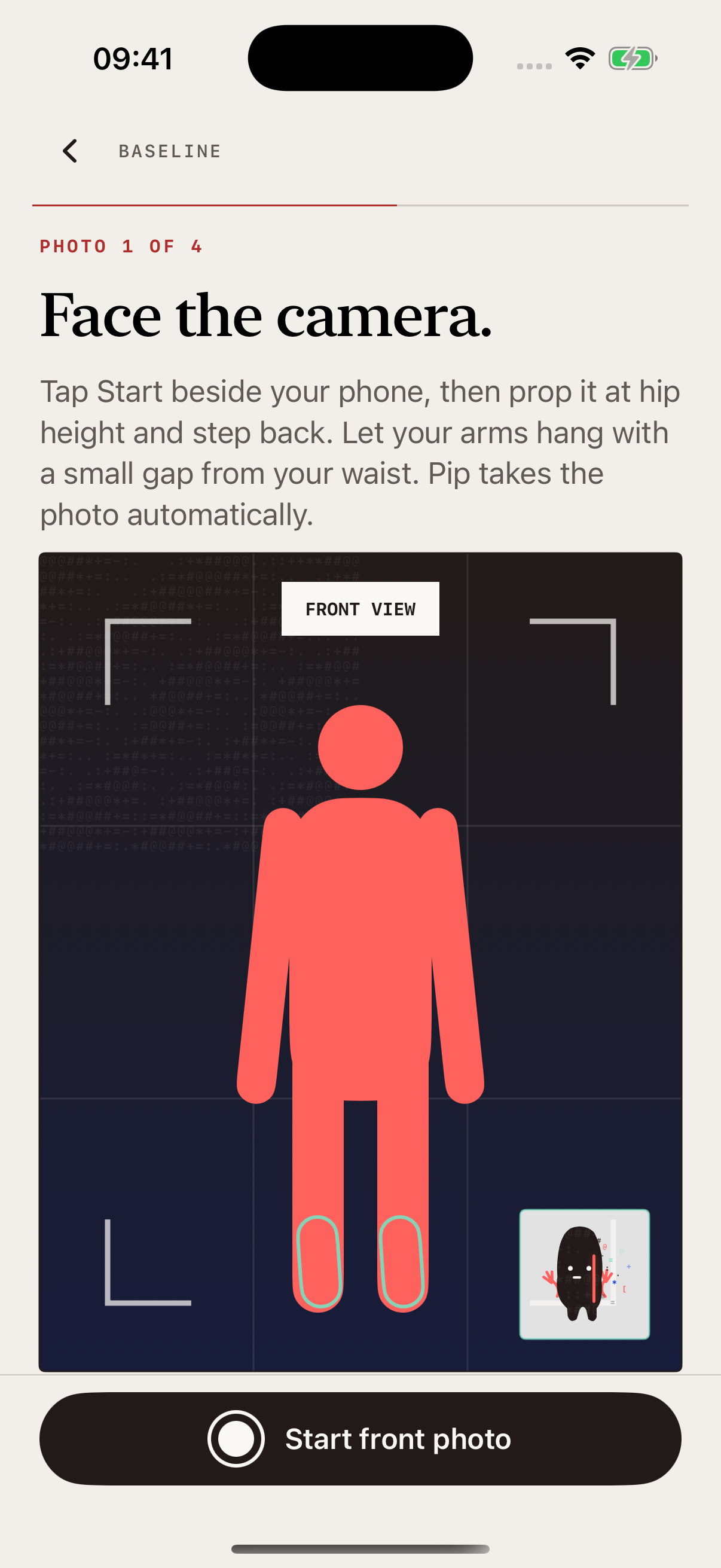
01 / 04
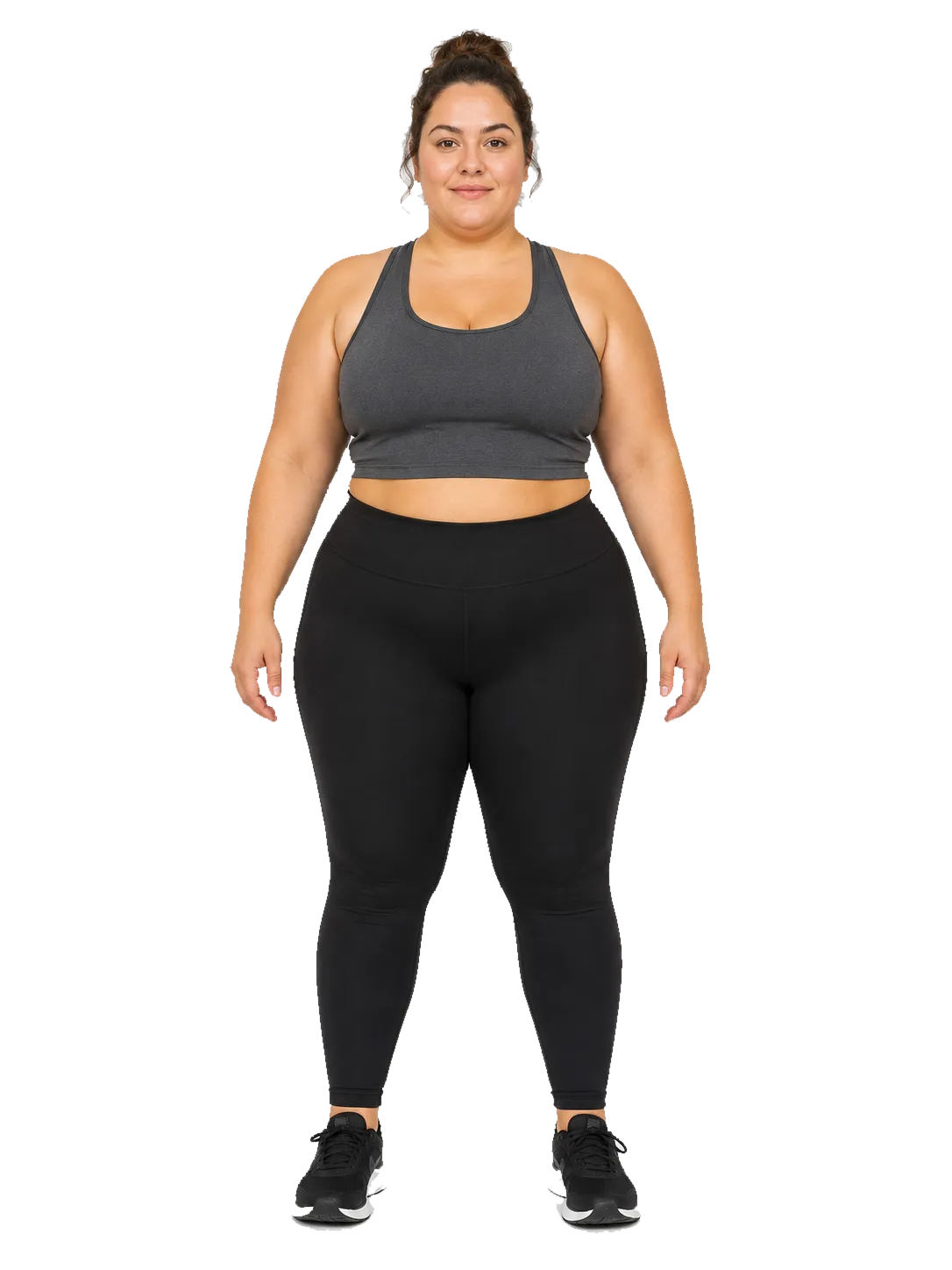
Full body in frame. Front angle ready.
THE RESULT
Rotate the fitted body from any angle. Open the evidence view to understand which photos and outline signals support the result and where the estimate has limits.
PIP FOR IPHONE
Your first Body Story chapter begins with four guided photos.