Treatment record
Record injections, pills, creams or other treatments with amount, time, site and optional reaction.
YOUR PIP JOURNEY
Bring treatments, weight, appetite, symptoms, body change and skin change into one chronological record.

THE RECORD AROUND THE SCAN
Pip keeps each type of record separate, then lets you review the timing together when it is useful.
Record injections, pills, creams or other treatments with amount, time, site and optional reaction.
Save how you feel, appetite and symptoms once a day without turning the app into a constant questionnaire.
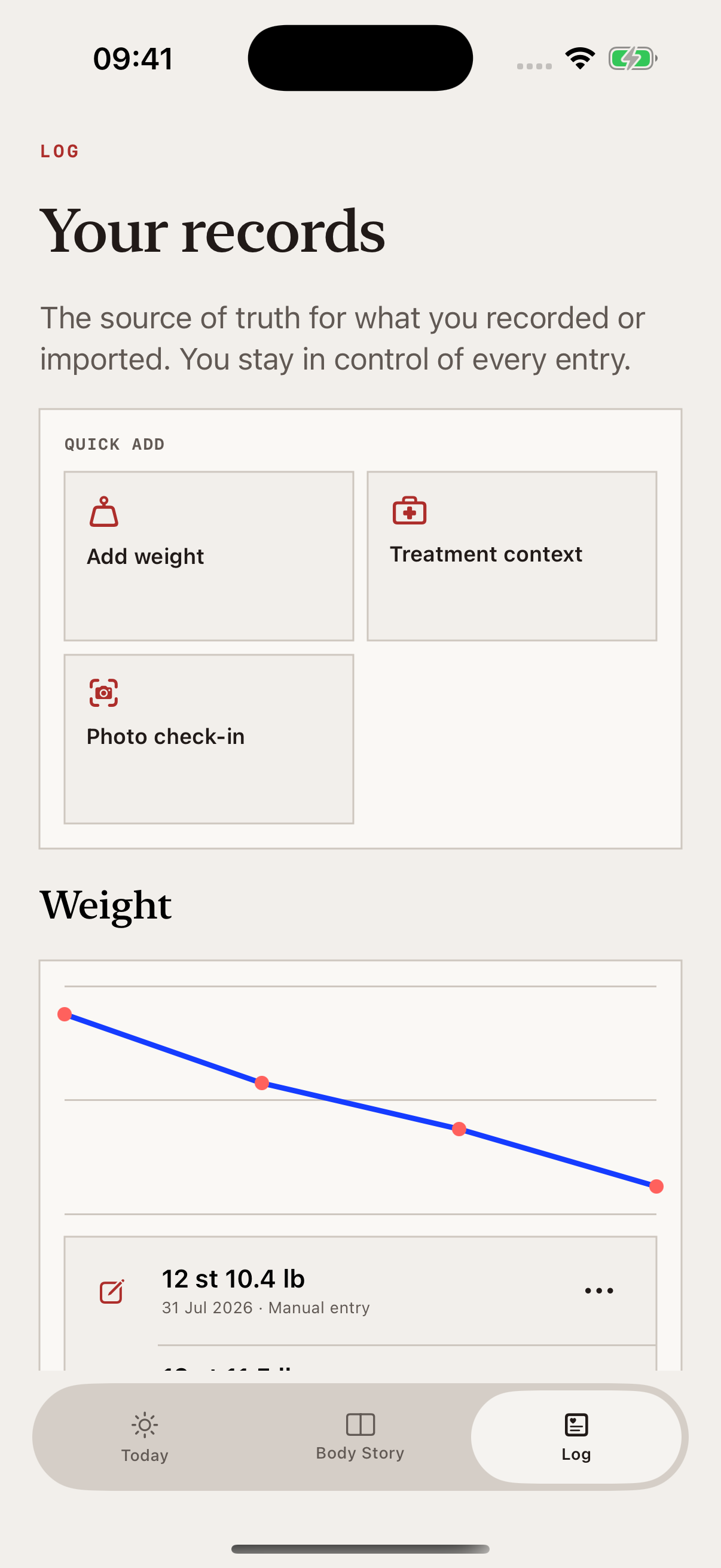
Add weight manually, from Apple Health or from a confirmed scale screenshot.
See when every body or skin chapter happened alongside the context you chose to record.
JOURNEY
TreatmentInjection · 2.5 mg · left abdomen
Daily pulseGood · lower appetite · no symptoms
Body StoryNew 3D check-in saved as a chapter
WeightLatest weight added to your timeline
ASK PIP
Ask what changed, how you felt after a recorded treatment or what your latest Body or Skin Story shows. Pip identifies the saved entries it used.

MEDICINE QUESTIONS
For supported medicine questions, Pip checks trusted sources, separates general information from your own record and shows why you are seeing the answer.
PIP FOR IPHONE
Start with a body or skin baseline, then add only the context that matters to you.