The same setup every time
A checklist before each scan: fitted underwear, even light, phone at hip height.
Progress photo tracker
Pip Body Scan takes four guided progress photos once a week: front, both sides and back. An outline shows where to stand, and later scans line you up with your first pose. Each set builds a 3D body, and you can compare any two weeks side by side, overlaid or with a slider.
Updated
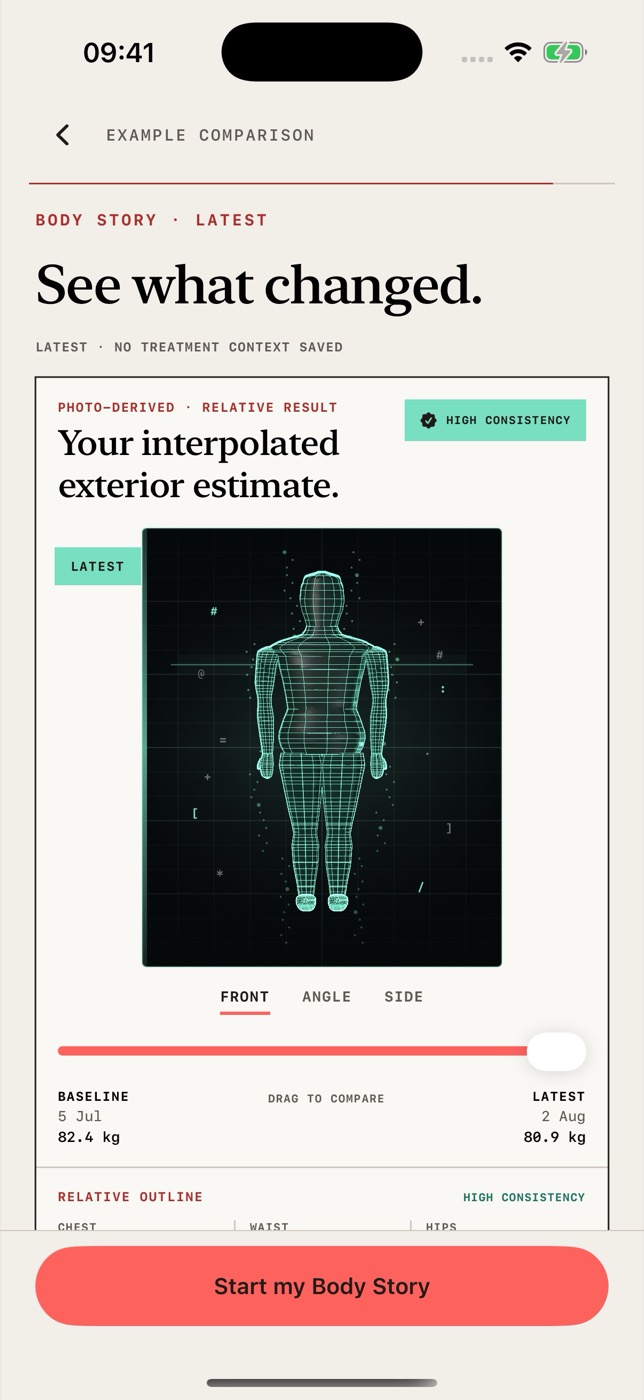
The hard part of progress photos is taking them the same way each time. Pip handles that.
A checklist before each scan: fitted underwear, even light, phone at hip height.
An outline shows where to stand. On later scans, a ghost of your first pose helps you match it.
Pip asks for a retake if you’re cut off, tilted, blurry, too dark or too bright, or if the phone moved.
Each set of four photos becomes a 3D model of your body that you can turn and zoom.
Side by side, overlaid, or with a before-and-now slider. Pip uses outlines where there’s no 3D body.
Make a before-and-after image or an 8-second clip on your phone. Your face is left out, and you choose where it goes.
Four angles
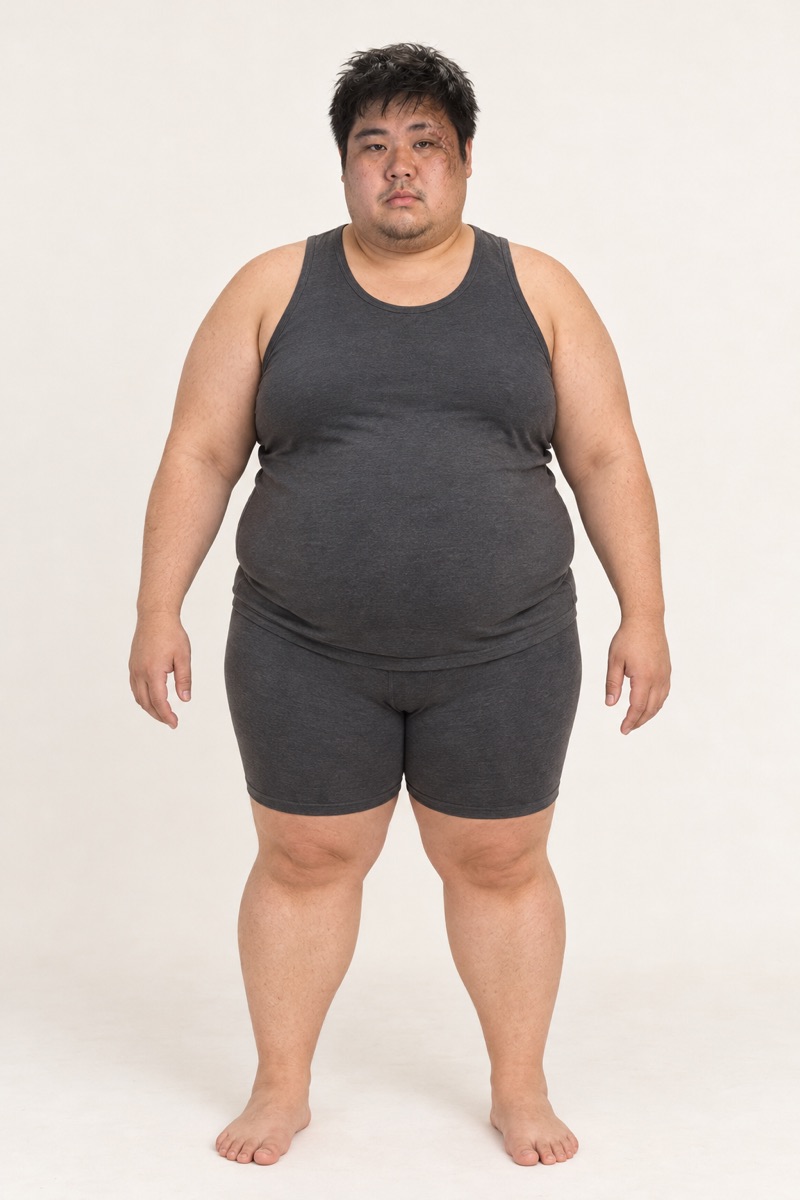
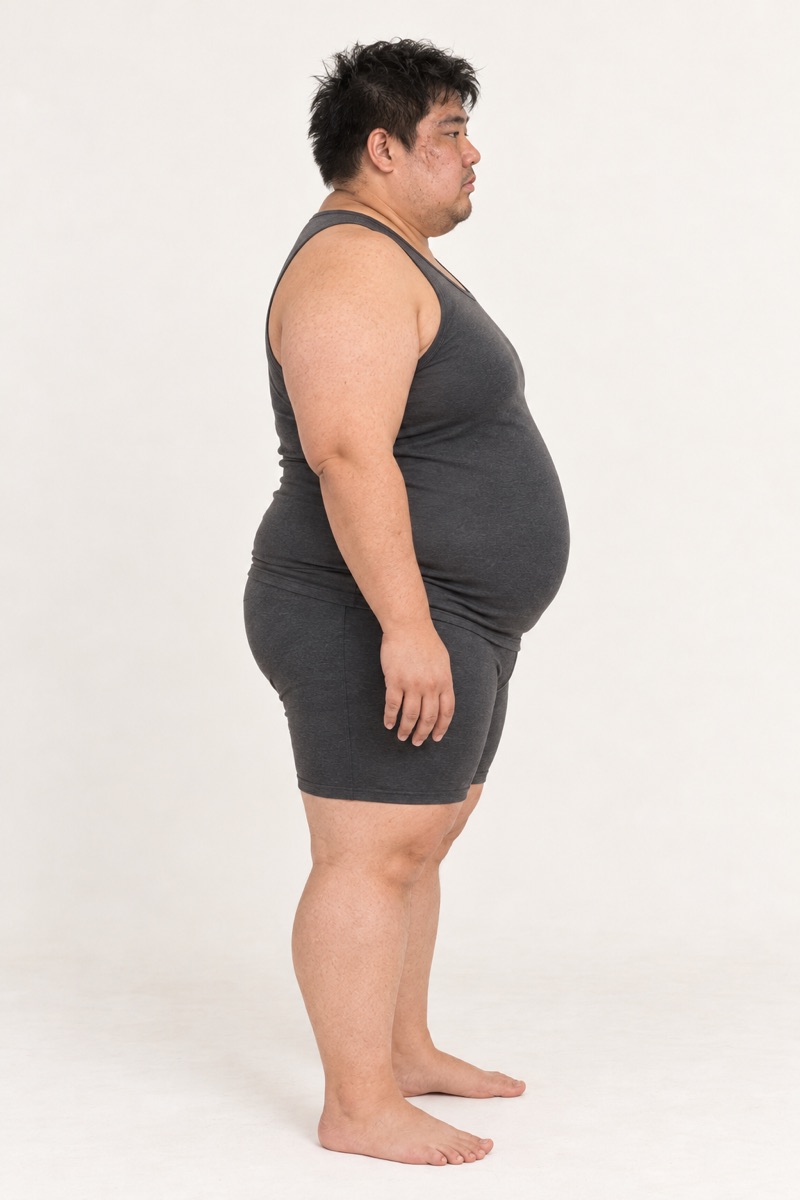
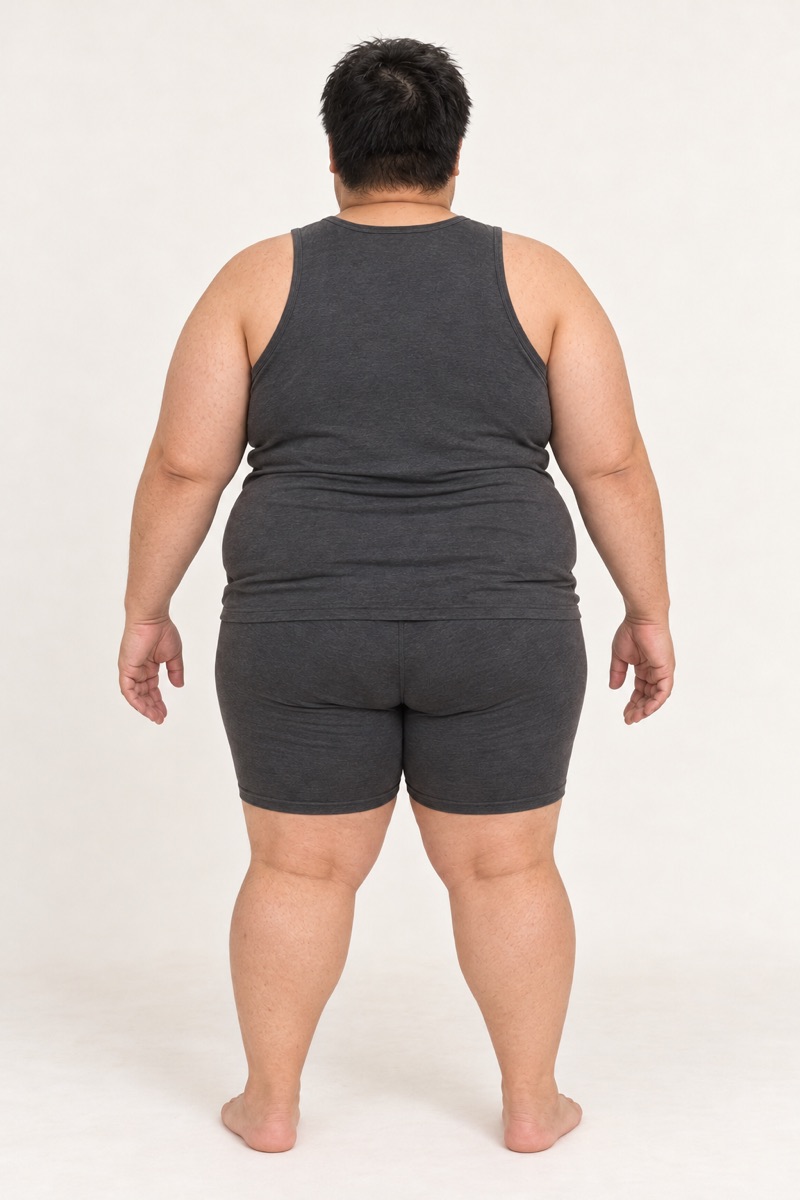
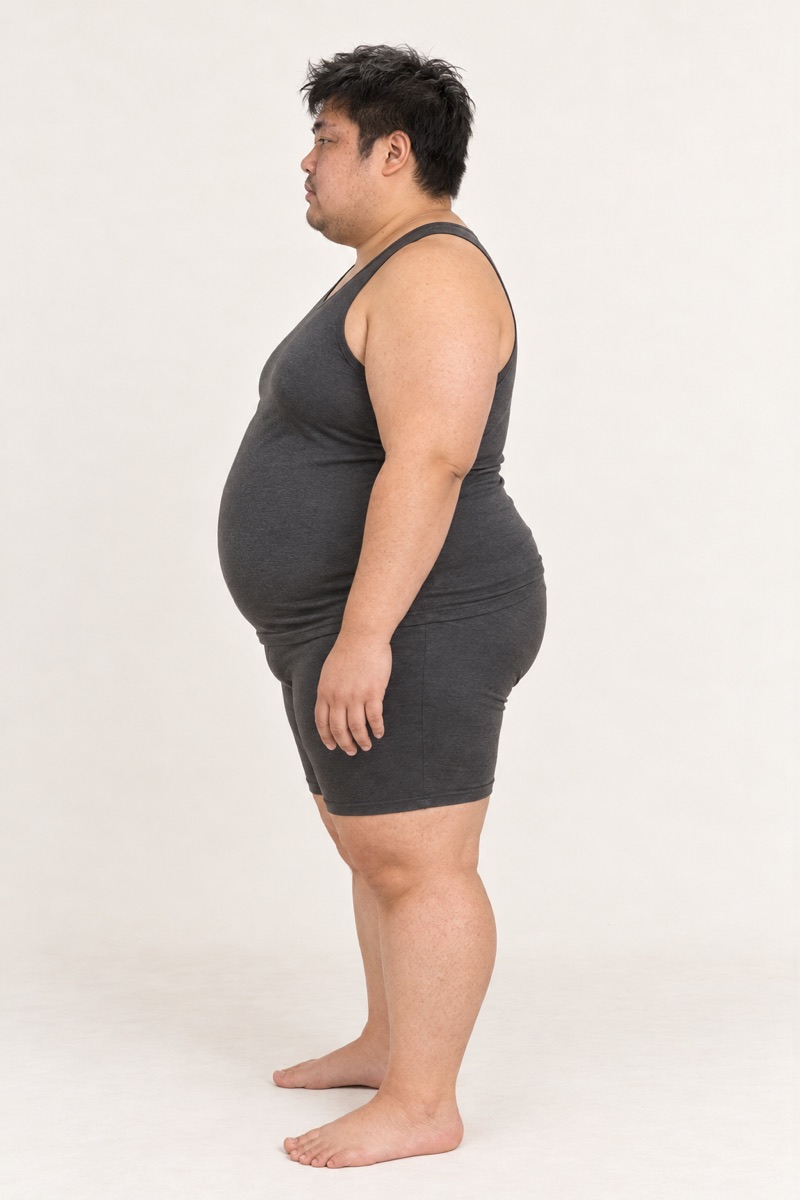
Prop your phone at hip height. Pip talks you through each photo and counts you in. You don’t need a mirror or a helper.
Four angles show changes a single front photo can miss, and they give Pip what it needs to build your 3D body.
Kenji is an illustrative example.
Privacy
Photos and 3D bodies are kept on your iPhone, protected by iOS and left out of backups. Nothing is uploaded until you agree. Then your four photos go securely to OpenAI and Meshy to build your 3D body, and Meshy’s copy is deleted once it’s saved on your iPhone.
Pip doesn’t sell your photos or body data, or use them for advertising.
Privacy policyMore on the scan, Body Story and taking photos you can compare.
How four photos become a 3D model of your body.
↗FeatureYour weekly scans, lined up so you can compare them.
↗GuideLight, clothing and camera position, kept the same.
↗GuideWhat makes two photos a fair comparison.
↗Short answers about progress photos in Pip Body Scan.
On your iPhone, protected by iOS and left out of backups. There’s no iCloud sync. To build your 3D body, your four photos are sent securely to OpenAI and Meshy after you agree.
One scan a week. Your next scan opens seven days after your last one, so each check-in shows a real week of change.
Yes. You can make an image or a short clip on your phone, or share a private 3D link that hides your face by default and expires after 1, 7 or 30 days. You can revoke a link any time.
Yes. Export gives you a folder with your full record and your original photos. You can delete everything in one tap.
It’s coming to the App Store for iPhone. Your first scan will be free to take, and you’ll need a membership to see your results.